This tutorial shows you how
to add windows and break them.
Let's get started!
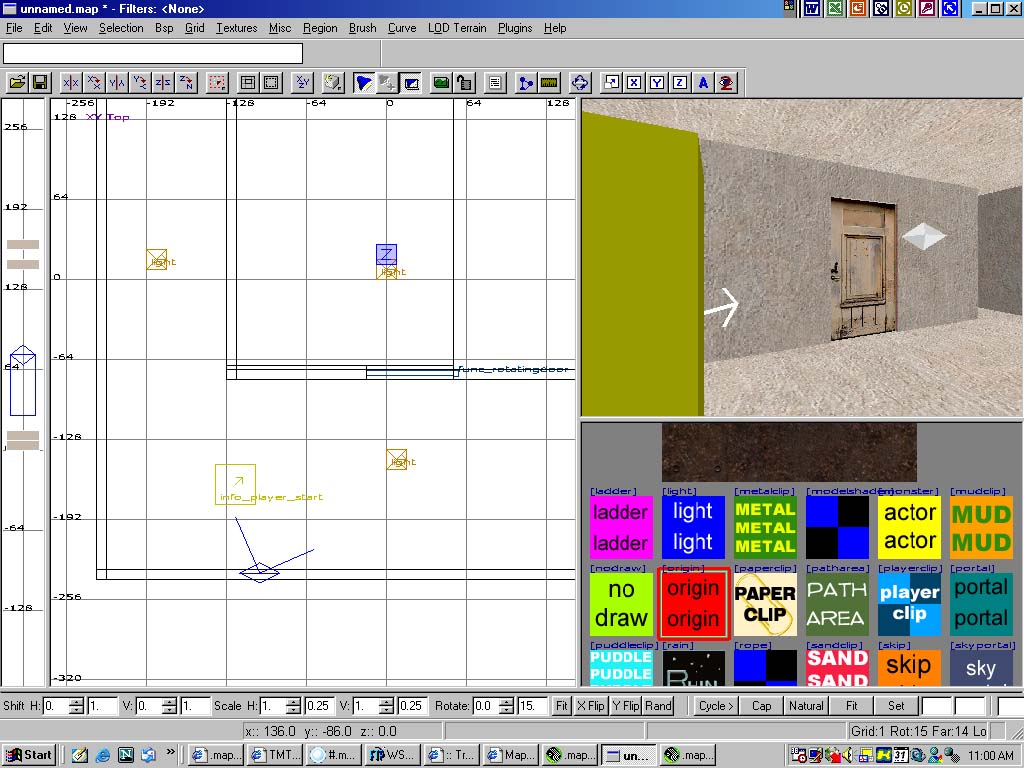
Make a room with and info_player_start
and lights. Make a little room where you want your window
to be. Probably add a door that allows the play to enter
the room.
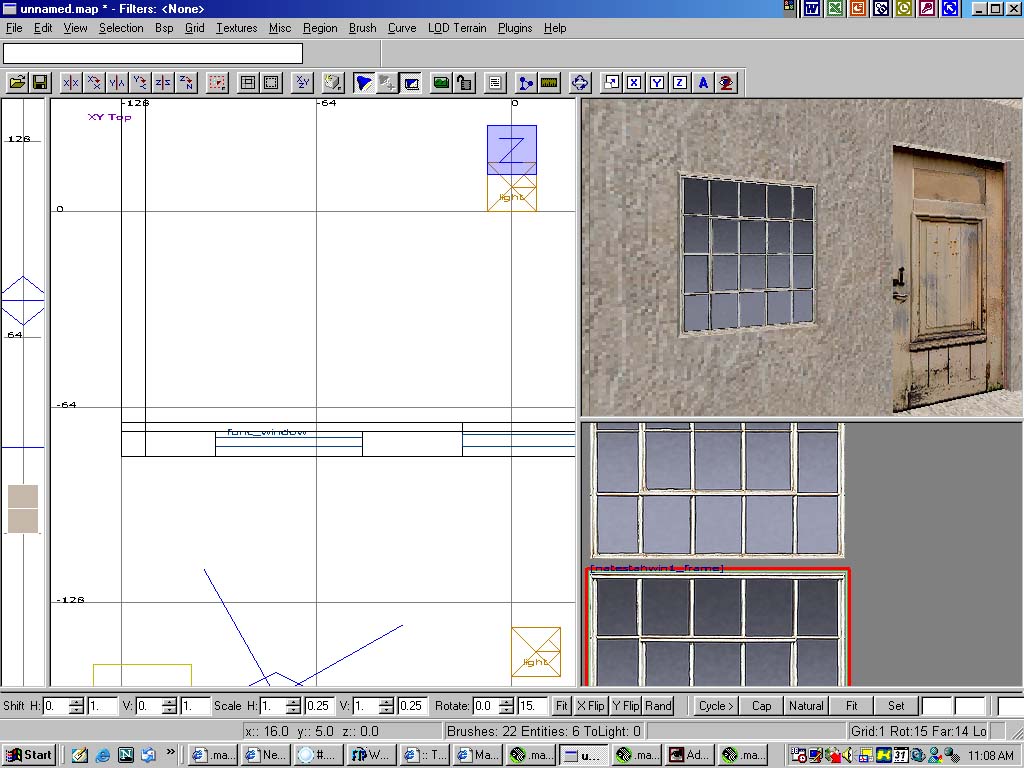
Select any window textures from general_structure.
I used natestahwin1_frame
for the window and natestahwin1_broken
for the broken window. Make a brush and press "ctrl+f"
to fit the texture into place. Place it beside the door
or anywhere and press csg subtract (I recommend that
you do not use this, make the brush manually, since
this is a tutorial and it would be easy.) which is next
to the hollow button.Give it a func_window
entity.
You may want to check "window_broken_block"
to prevent the player from jumping through the window.
Also give the window a key of "target" and
value of "broken".
Next, select the broken window texture (the texture
must be the same as the window). I used natestahwin1_broken
which window is natestahwin1_frame.
Make a brush with similar size to the window. Apply
the texture and "ctrl+f" fit it. Make the
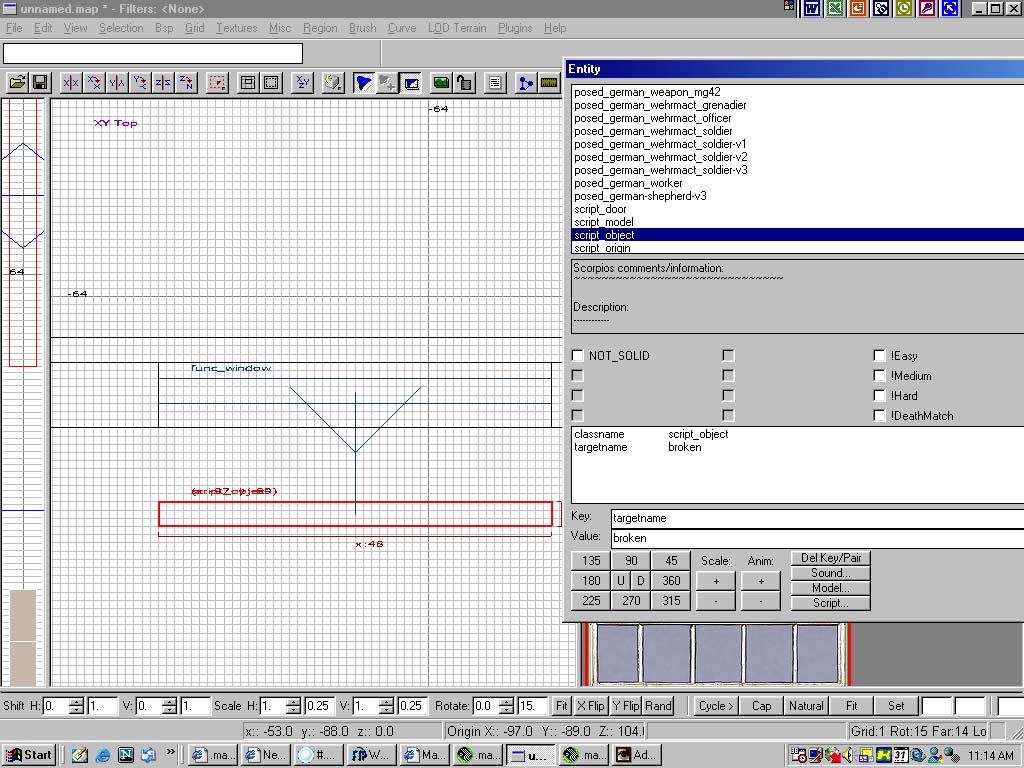
broken window a script object
and give it a "targetname" of "broken",
which is the target of the window above. You should
see an arrow connecting the both of them if you pull
one of them away.