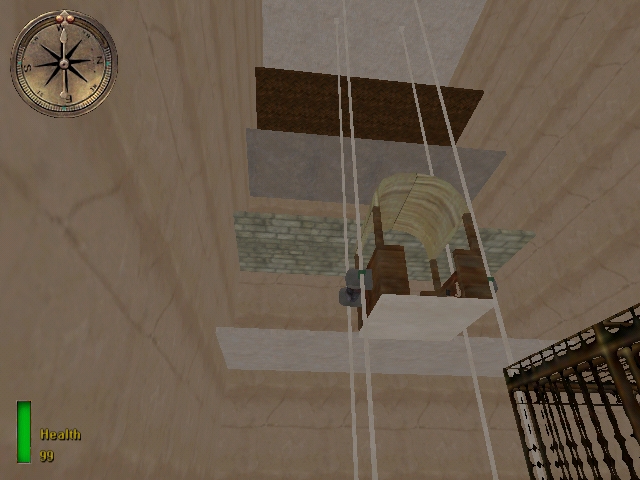
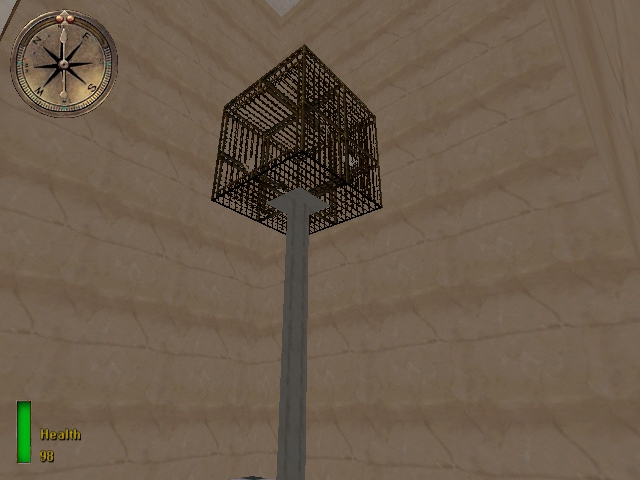
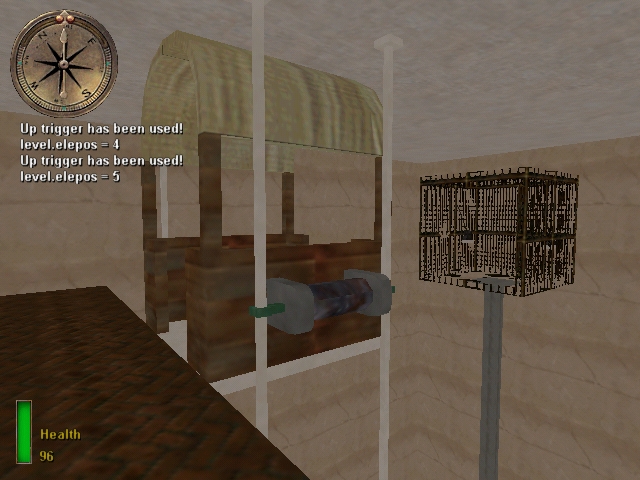
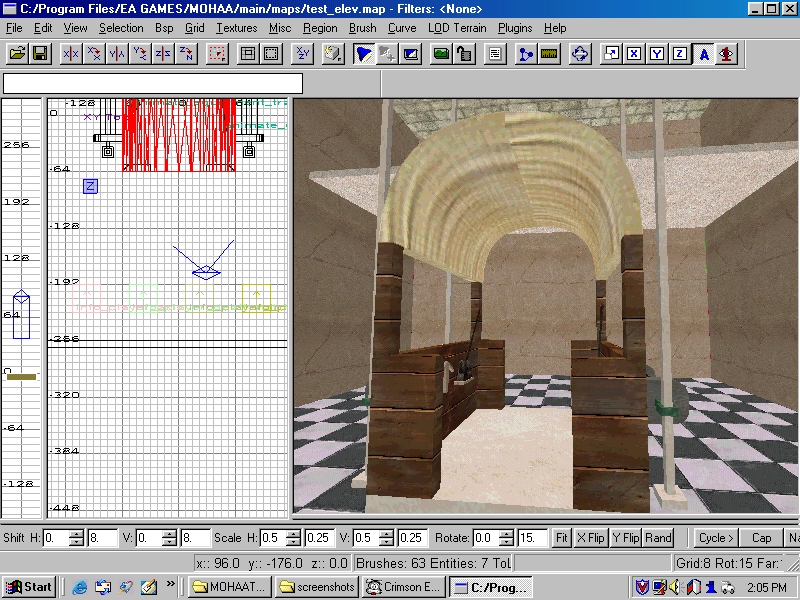
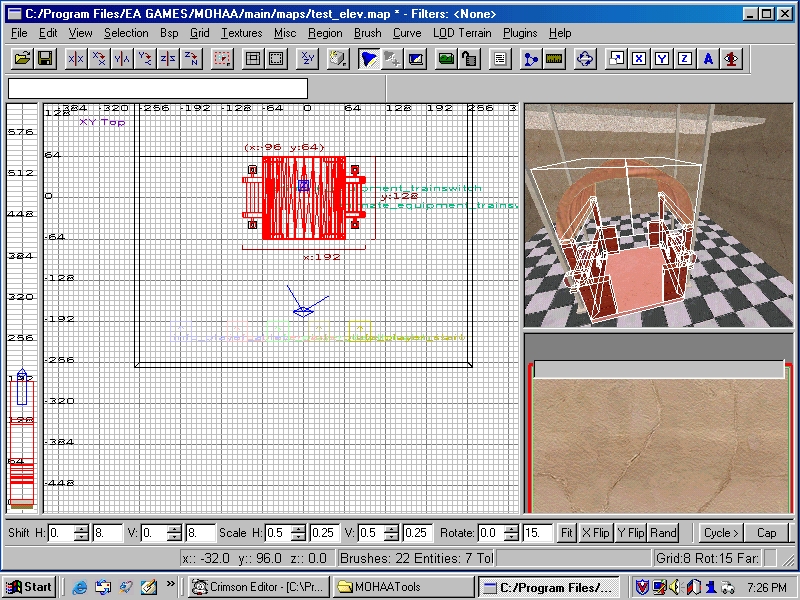
First start off by building the elevator cab, the part the player rides in, in radiant. I made a simple cab that was open on all sides.
You may notice that I don’t have an elevator shaft. The elevator shaft is just to add looks to the elevator. For example a shaft would be good for indoor areas while an open shaft may be better for outside areas. My elevator cab moves up and down on the cables to the left and right of it. You really don’t need anything but one brush for an elevator to move. The other brushes are to make it look realistic and eye-catching. After you make your elevator shaft and cab (if you have one) you need to add triggers to make it useable. I used animate_equipment_electric-switch_pulse. You can use anything for your triggers.
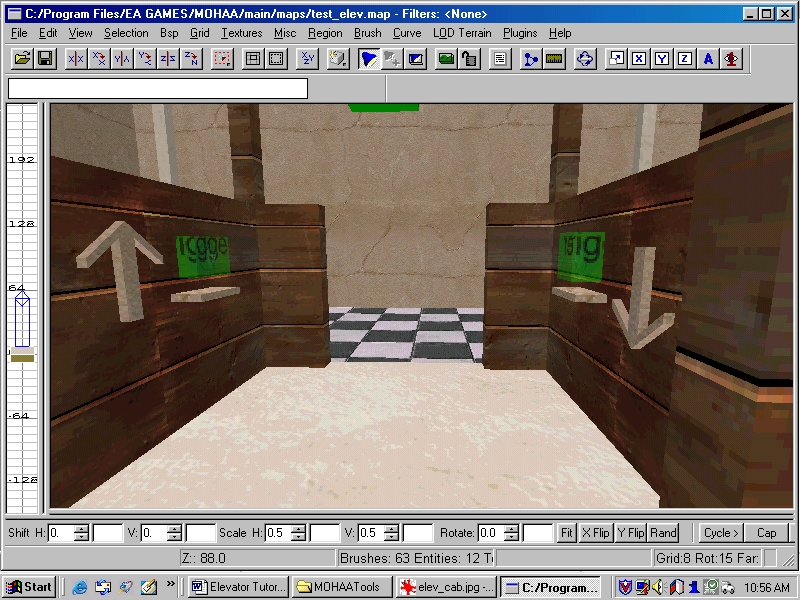
My elevator operates on cables instead of a shaft. You can see an up arrow and a trigger, along with a down arrow and its trigger. The trigger with an up arrow will move up one floor every time the trigger is triggered until it reaches the top floor. I will explain the scripting later. The trigger with the down arrow will move down one floor every time the trigger is triggered until it reaches the bottom floor. I have made a multiple floor elevator so you need to trigger the trigger four times to get to the top. You can also add call triggers, but I will explain that process later. Call triggers are merely to make it so someone could trigger a trigger on a different floor and have the elevator come to them.
Now make your triggers (don’t forget the trigger_use brush). There is a slight difference between the triggers on a 2-floor elevator and the triggers on a multi-floor elevator. I will explain that later so keep reading! Make an indication of which trigger is up and down. Use a custom texture or just make arrows like I did. Give your up-switch (the actual switch not the trigger) the key/value of targetname/up_switch. And the up-trigger the key/value of targetname/up_trigger. If you have more than one elevator you may want to add targetname/up_trigger1 or up_trigger2 or up_trigger3 etc. Repeat these steps for the down trigger.
With all the triggers and switches named, select the whole elevator_cab (every brush except triggers and switches) and make it into a script_object. Then give the script_object the targetname of elevator_cab. Next add your waypoints where you want the elevator to stop at. I have five, one for each floor. Targetname all of these floor1, floor2 etc. up to the top floor. If you don’t know how to add waypoints then ask in the forum. With your waypoints added, we can start on the script:
// Elevator tutorial

main:

  level waittill prespawn

  // bind the switches to the elevator
  // so it doesnt look weird
  $down_switch bind $elevator_cab
  $up_switch bind $elevator_cab

  // bind triggers to the switches
  $down_trigger bind $down_switch
  $up_trigger bind $up_switch

  // I had it moved up for lighting
  $elevator_cab movedown 8
  $elevator_cab time 0
  $elevator_cab move

  // sets the speed to 64 units per second
  $elevator_cab speed 64
  // starts on floor 1
  level.elepos = 1
  $elevator_cab2 speed 64

  level waittill spawn

  thread elevator_prep

end

elevator_prep:
  thread movedown
  thread moveup
end

movedown:

  // waits until the player triggers the trigger
  $down_trigger waittill trigger

  // if the elevator is on floor 1 then end
  // because it cant go down anymore
  if (level.elepos == 1)
    end

  // turns off the triggers
  // until the elevator is done moving
  $up_trigger nottriggerable
  $down_trigger nottriggerable

  // sets another variable
  local.position = level.elepos

  //turns the switch
  $down_switch anim turn

  // makes some noise
  $elevator_cab loopsound lighthouse_run

  // says to move to the floor
  // below the one that it is on
  $elevator_cab moveto $("floor" + (local.position - 1))
  $elevator_cab waitmove
  $elevator_cab stoploopsound

  $down_switch anim idle

  // Tells the variable to minus 1 from itself.
  // Makes the variable set to the correct floor.
  level.elepos--

  // turns the triggers back on
  $down_trigger triggerable
  $up_trigger triggerable

  goto elevator_prep

end

moveup:

  $up_trigger waittill trigger

  // if the elevator is at the top then end
  // because it cant go up anymore
  if (level.elepos == 5)
    end

  $down_trigger nottriggerable
  $up_trigger nottriggerable

  local.position = level.elepos

  $up_switch anim turn

  $elevator_cab loopsound lighthouse_run
  $elevator_cab moveto $("floor" + (local.position + 1))
  $elevator_cab waitmove
  $elevator_cab stoploopsound

  $up_switch anim idle

  level.elepos++

  $up_trigger triggerable
  $down_trigger triggerable

  goto elevator_prep

end
Well that is your multi floor elevator script!
You can add call triggers anywhere on the elevator floors but those add tons more lines of code.
-------------------------------------------------------------------------------
Two Floor Elevator
-------------------------------------------------------------------------------
To make a two-floor elevator you use the same process as above but there are some differences. First make your elevator cab and shaft if you have one. Then put one trigger and switch inside the elevator (give them targetnames). Now select the whole elevator, besides the trigger and switch and make it a script_object and give it the name of elevator_cab or elevator_cab2 or elevator_cab3 etc.. Just leave it plain if it is the first elevator you have in your map. If it is the second add a 2 to the end. This is how I keep my elevators organized. With that completed, add your waypoints. One for the first floor, and one for the second. Waypoints have to be in the exact middle of the elevator so that the elevator cab doesn’t shift when it is moving. Name your waypoints anything you want. With that done you are ready for the script:
main:
  level waittill prespawn

  // either 0 or 1 depending on what floor the elevator is on.
  // 0 is bottom floor. 1 is the top.
  level.elepos = 0
  level waittill spawn
  thread elevator_standby
end

elevator_standby:
  $elevator_cab speed 64

  // replace the names with the ones that you used
  $elev_switch bind $elevator_cab
  $elev_trigger bind $elev_switch

  thread move
end

move:
  $elev_trigger waittill trigger

  if (level.elepos == 0)
  {
    // if it’s on the bottom floor...
    goto moveup
  }
  else
  {
    // else go down to the first floor
    goto movedown
  }
end

moveup:
  // animation for animate_equipment_electric-switch_nopulse
  $elev_switch anim turn

  $elev_trigger nottriggerable

  // makes a machine sound
  $elevator_cab loopsound lighthouse_run

  // move to the 2nd floor
  $elevator_cab moveto $topfloor
  $elevator_cab waitmove

  // stop the sound
  $elevator_cab stoploopsound

  // turn off the switch
  $elev_switch anim idle

  $elev_trigger triggerable

  level.elepos = 1

  goto move
end

movedown:
  // animation for animate_equipment_electric-switch_nopulse
  $elev_switch anim turn

  $elev_trigger nottriggerable
  $elevator_cab loopsound lighthouse_run
  $elevator_cab moveto $bottomfloor
  $elevator_cab waitmove
  $elevator_cab stoploopsound
  $elev_switch anim idle
  $elev_trigger triggerable
  level.elepos = 0

  goto move
end
-------------------------------------------------------------------------------
Beyond the Basics
-------------------------------------------------------------------------------
You can modify an elevator to do anything. Elevators don’t even have to go up and down they could go sideways or even diagonally. I have put together an elevator that goes up and down but the player controls how much the elevator goes up and down. This is great for an outdoor area.
Make an elevator cab with two triggers. One for going up and, one for going down.
I have trainswitches for the switches. Give these all targetnames (up_switch, up_trigger and so on).
Here is the script:
main:

  level waittill prespawn

  // this is the world units in height
  level.liftavator = 1

  $elevator_cab2 speed 64

  level waittill spawn

  thread liftavator_prep
end

liftavator_prep:
  $up_trigger2 triggerable
  $down_trigger2 triggerable
  $elevator_cab2 stoploopsound
  $up_switch2 anim idle
  $down_switch2 anim idle
  $elevator_cab2 bind $elev_liftup
  $piece1 bind $elevator_cab2
  $piece2 bind $elevator_cab2
  $up_switch2 bind $piece2
  $down_switch2 bind $piece1
  $up_trigger2 bind $up_switch2
  $down_trigger2 bind $down_switch2
  thread up
  thread down
end

up:
  $up_trigger2 waittill trigger

  // stores which player pressed the button
  local.player = parm.other

  // this is the top floor height in world units
  if (level.liftavator >= 832)
  {
    goto liftavator_prep
  }

  // turn it off for no conflict
  $down_trigger2 nottriggerable
  $up_switch2 anim move

  // when the player is holding the use key do this
  while (local.player.useheld)
  {
    if (level.liftavator >= 832)
    {
      goto liftavator_prep
    }
    $elevator_cab2 loopsound lighthouse_run
    $elev_liftup moveup 1
    $elev_liftup waitmove
    level.liftavator++
  }
  $elevator_cab2 stoploopsound
  $down_trigger2 triggerable

  goto liftavator_prep
end

//------------------------go down------------------------

down:

  $down_trigger2 waittill trigger

  local.player = parm.other

  if (level.liftavator <= 1)
  {
    goto liftavator_prep
  }

  // turn it off for no conflict
  $up_trigger2 nottriggerable
  $down_switch2 anim move

  // when the player is holding the use key do this
  while (local.player.useheld)
  {
    if (level.liftavator <= 1)
    {
      goto liftavator_prep
    }
    $elevator_cab2 loopsound lighthouse_run
    $elev_liftup movedown 1
    $elev_liftup waitmove
    level.liftavator--
  }
  $elevator_cab2 stoploopsound
  $up_trigger2 triggerable

  goto liftavator_prep
end

 You can add call triggers anywhere on the elevator floors but those add tons more lines of code.