This tutorial is going to introduce you to the concept
of outdoor lighting. In MoHAA's large levels its impossible
to light the entire map using light entities. For this
reason it is possible to create a "sun" for
your map.
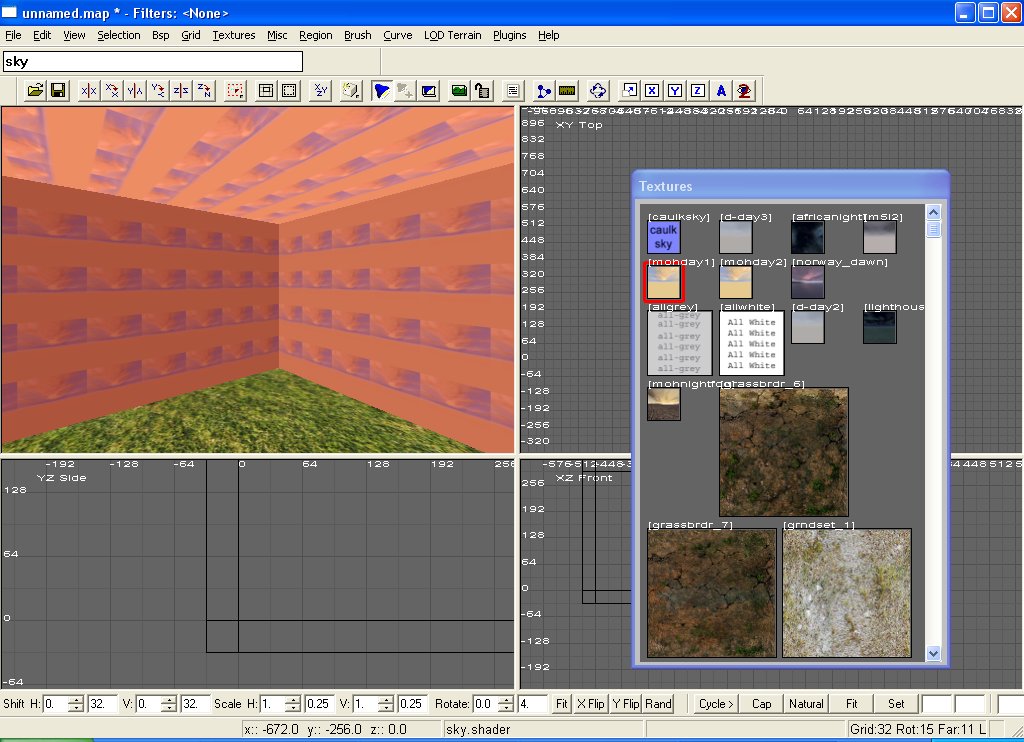
To start of with create a box (textured with the caulk
texture) around this and hollow it (normally I wouldn't
recommend using hollow, but this is just for demonstration
purposes. Select the floor face and give it a nice grassy
texture.
Select the remaining 5 inside faces of the box (ctrl
+ shift + left click) and then select a suitable sky
texture (type sky in the white box in the top left corner
of MoHRad and some sky textures will appear in the texture
window). Then deselect everything.
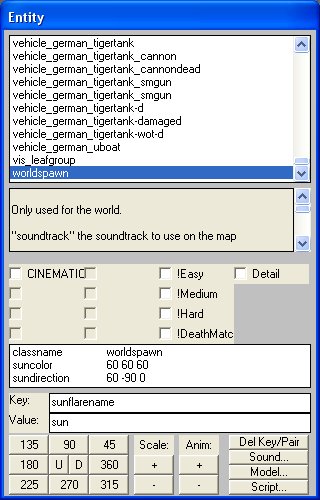
Hit the n key to bring up the entity properties. The
main window should show worldspawn selected. Then enter
the following values:
suncolor 70 70 70
sundirection -45 90 0
sunflarename sun
Suncolor, is the actual sunlight. The 3 numbers are
the % value of red light, green light, and blue light.
The higher the numbers are, the brighter the sunshine
is.
Sundirection is the direction in which the sunshine
comes from. This is usseful when it comes to creating
shadows. The first 2 numbers are angles, whilst the
3rd doesn't seem to do anything.
Sunflarename - simply adds a nice flare effect when
the players look at the sun.
Another useful lighting method is ambient light. It
lights all your maps models and can be used to raise
the light in areas of darkness. It does effect the entire
map:
ambientlight 20 20 20 is a good one to use.
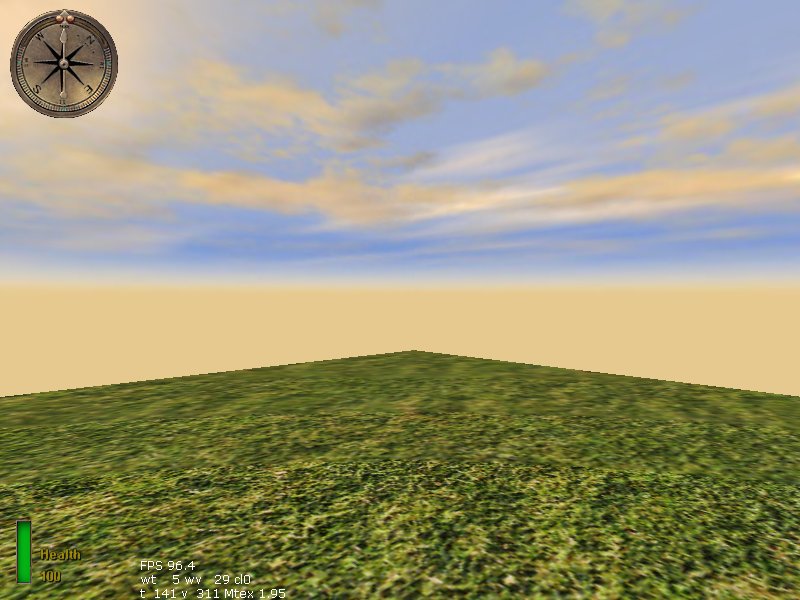
After entering all these values, inset an infoplayerstart,
save your map, compile it and enjoy the beat of the
sun on your face and the lovely view of a sky.