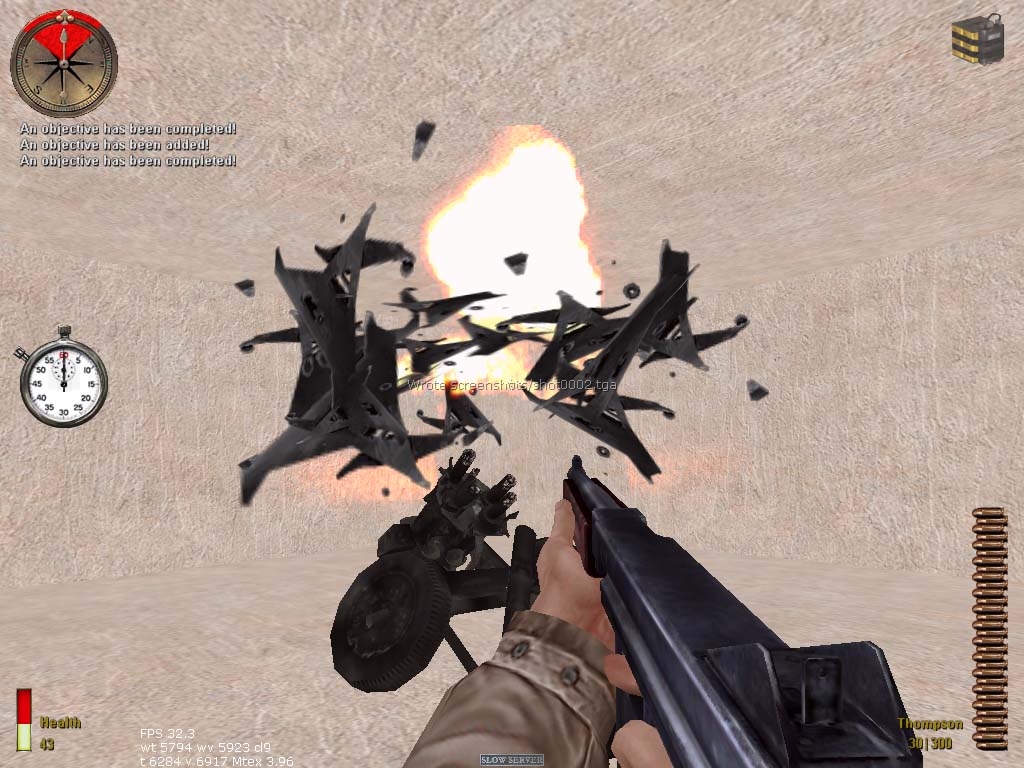
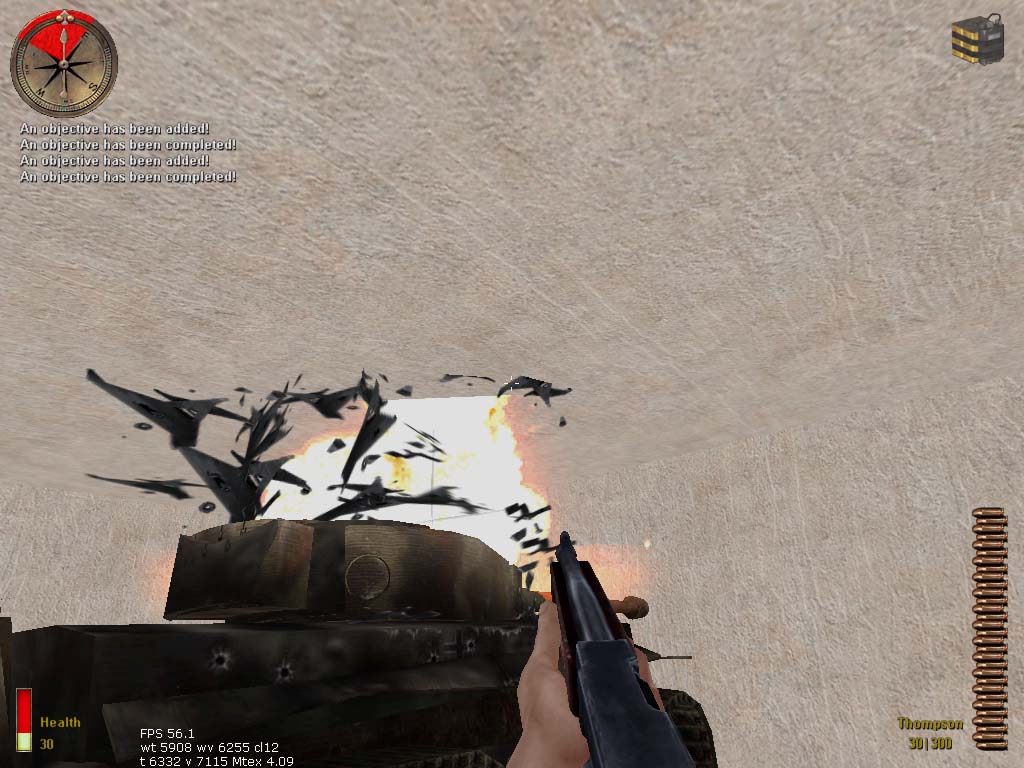
*Note:
This tutorial is NOT a continued version of the bombing
tanks tutorial.
This tutorial shows you how
to bomb anything in SP, like walls, flaks, nebelwerfers
and tanks. See the sound
fix guide to get your sounds working.
Let's get started!
Today you're going to learn how to bomb a wall and
a flak 88.
First make a room with lights and an info_player_start.
I made a wall that prevents the player from reaching
the objects. This wall will be bombed. Make the wall
a script object and give it:
#set:
1
targetname:
exploder
Duplicate this wall and make it look destroyed. Give
it:
#set:
1
targetname:
explodersmashed
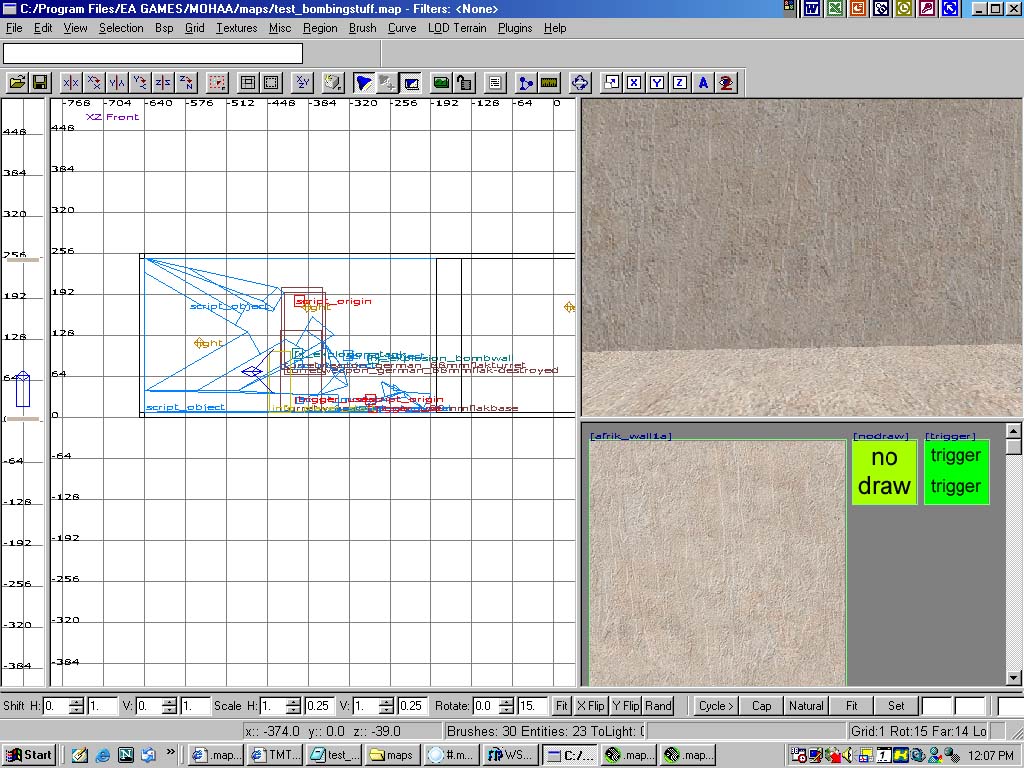
When you're done, it should look like this:
Add an explosion fx for the wall. Select it in the
2D view. I used fx-->explosion-->bombwall.
Again give it:
#set:
1
targetname:
exploderfire
Put a small brush with texture "no
draw" from the common
folder. Make it a script object.
Give it:
targetname:
hurtobject1
Ok, now the harder part. Make a script model at the
foot of the wall with:
model
items/pulse_explosive.tik
targetname:
bomb1
$trigger_name:
bomb1_trigger
Note that you don't have to add any $explosion_fx
apart from the bombing
tanks tutorial. Then make a trigger_use
around the bomb model. Give it a "targetname"
of "bomb1_trigger".
Everything is completed for the bombing of a wall.
Add a script origin
above the bomb with "targetname"
"obj1". This
will be our objective.
Now we are going to make a simple flak 88 to bomb.
Put the flak 88 turret on the flak 88 base. You need
to align them into position. Then give the turret:
#set:
2
targetname:
exploder
Then make a destroyed flak 88 turret and give it:
#set:
2
targetname:
explodersmashed
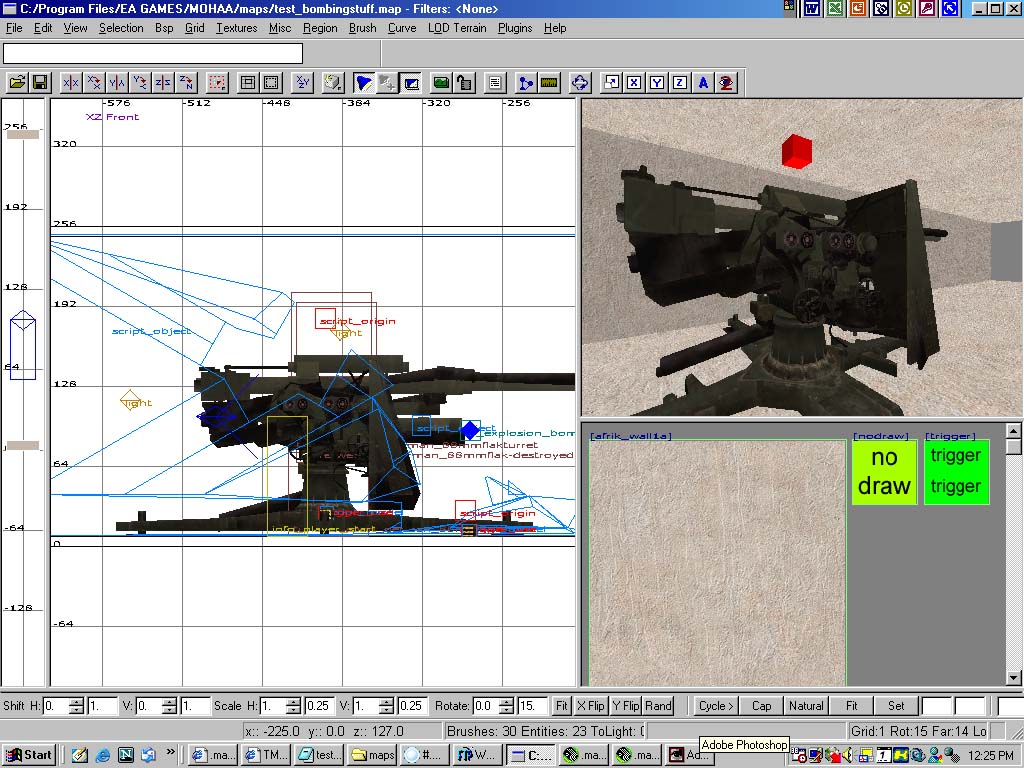
Your flak 88 should look like this now:
Again add an fx
using fx-->explosion-->tank.
Give it:
#set:
2
targetname:
exploderfire
Once again put a small brush with texture "no
draw" from the common
folder. Make it a script object.
Give it:
targetname:
hurtobject2
Now a script model:
model
items/pulse_explosive.tik
targetname:
bomb2
$trigger_name:
bomb2_trigger
Make a trigger_use around
the bomb model. Give it a "targetname"
of "bomb2_trigger".
Add a script origin
above the bomb with "targetname"
"obj2". This
will be our second objective of bombing the flak.
Now for the scripting. Save your map as test_bombingstuff
or anything.
//I learned to bomb stuff!!!
main:
level waittill prespawn
exec global/exploder.scr
level waittill spawn
$player item weapons/thompsonsmg.tik
$player ammo smg 1000
waitthread global/items.scr::add_item
"explosive" //gives
player explosives
waitthread global/objectives.scr::add_objectives
1 2 "Bomb the wall to get in." $obj1.origin
thread obj1
end
obj1:
$bomb1_trigger waittill trigger
$bomb1 model "animate/explosive.tik"
$bomb1 playsound explosive
$player loopsound bombtick
$player stopwatch 5
wait 5
$player stoploopsound bombtick
$bomb1 playsound explode_tank
$bomb1 remove
waitthread global/exploder.scr::explode 1
radiusdamage $hurtobject1 256 384
waitthread global/objectives.scr::add_objectives 1 3
"Bomb the wall to get in." $obj1.origin
wait 2
waitthread global/objectives.scr::add_objectives 2 2
"Bomb the flak 88." $obj2.origin
thread obj2
end
levelend:
waitthread global/objectives.scr::current_objectives
0
exec global/missioncomplete.scr test_bombingstuff
end
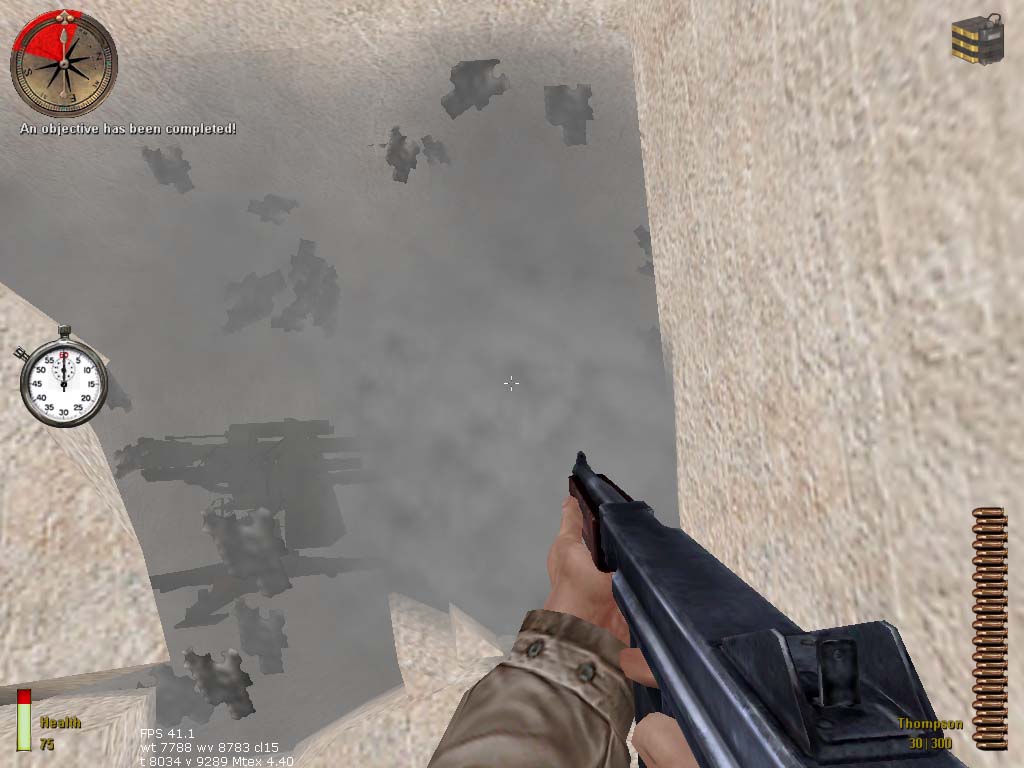
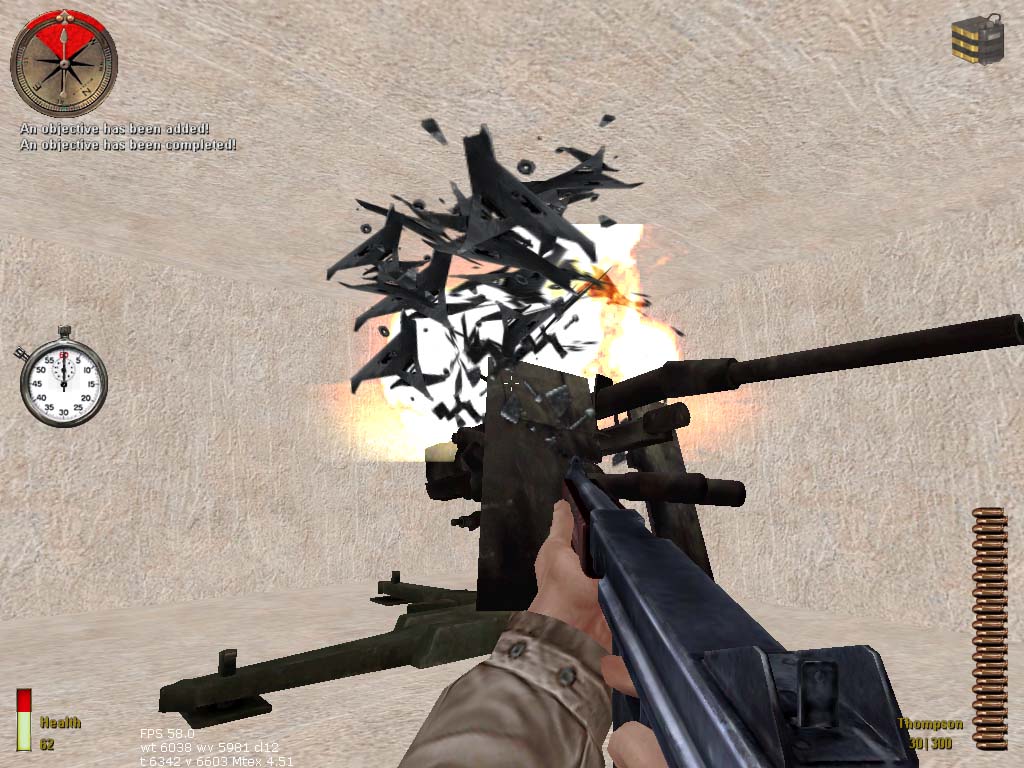
Now you're done! Compile your map and play!
*Note: To bomb more stuff, just
do the same method as the wall/flak. Remember to change
the #set values, e.g bombing a third object will have
#set 3 properties, the bomb name should be changed to
"bomb3" and the "no draw" brush
should be "hurtobject3". Coming to the scripting,
the third object should have this after $bomb3 remove:
waitthread global/exploder.scr::explode
3
Everything should be working.
Enough of all these, if you don't understand, dowload
the example map which includes a wall, a flak 88, a
nebelwerfer and a tiger tank.