So, you want to have an objective in your SP-Map? No
problem! Let me show you how to map and script an "Take
away" objective for your SP-Mission:
1. First off: Start up your MOHRAD and build a map.
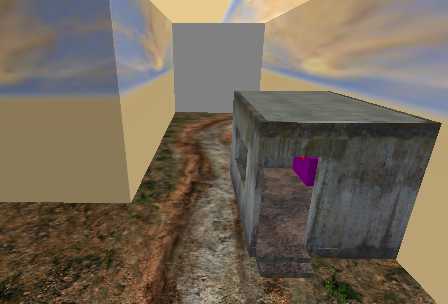
I did an outdoor part and an indoor part (where the
documents are located).
2. Place a static/furniture/bunkertable to rest the
documents on. Place it somewhere in the indoor section.
3. Place a script_origin where you want the documents
to appear. Give it key /
value as follows:
$targetname documents
model models/items/documents1a.tik
Deselect everything and go on to the next step:
4. Create a trigger_multiple that covers the same area
as the script_origin. Make it slightly bigger than the
documents to ensure, the player can trigger it. Give
it this key / value
:
cnt 1
setthread objective1
So much for the mapping part. Save your map as test_scriptdocu
and shut down the Editor.
Open up your Script-Editor (e.g. Notepad / I prefer
Crimson Editor) and create a Scriptfile called test_scriptdocu.scr.
Write the following blue lines just behind
level waittill spawn:
waitthread global/objectives.scr::add_objectives
1 2 "Get the documents." $documents.origin
//compass will point to
the documents location
waitthread global/objectives.scr::current_objectives
1
end
///////////////////////////
objective1:
$documents remove //
The documents will disappear after the player
has reached them
goto objective
end
///////////////////////////
objective:
waitthread global/objectives.scr::add_objectives
1 3 "Get the documents." $documents.origin
waitthread global/objectives.scr::current_objectives
0
end // place a check behind
the objective ingame
That is all. Not difficult, wasn?t it? Ok, compile
the map and play.