This tutorial assumes you have basic scripting knowledge.
This may not work with all vehicles.
Ok, open up MOHRAD, make a new map, with a skybox and
ground (see the Sunlight
tutorial if you don't know how to do this). Make it
equal, or bigger than 2056 (length) * 1024 (width) *
512 (height). Add a playerstart.
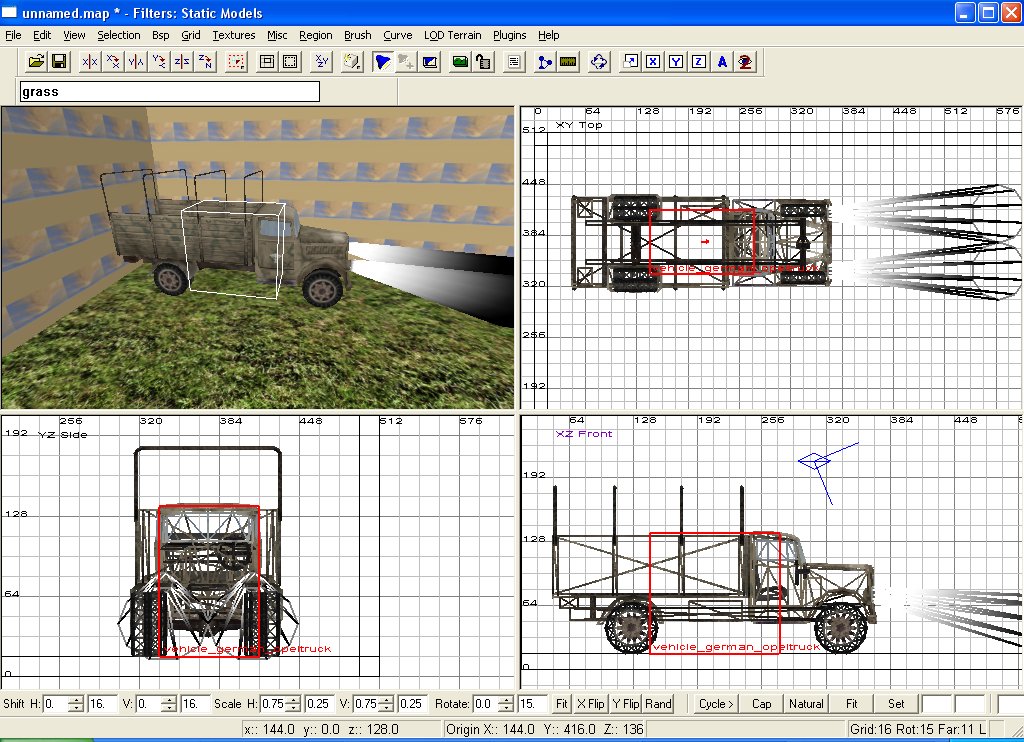
Now, in the 2d window, right click, and choose vehicle->
German -> Opeltruck
Now, with the new truck still selected, press 'N' and
add the following key / values in:
The key is in red, the
value is in blue.
targetname trk
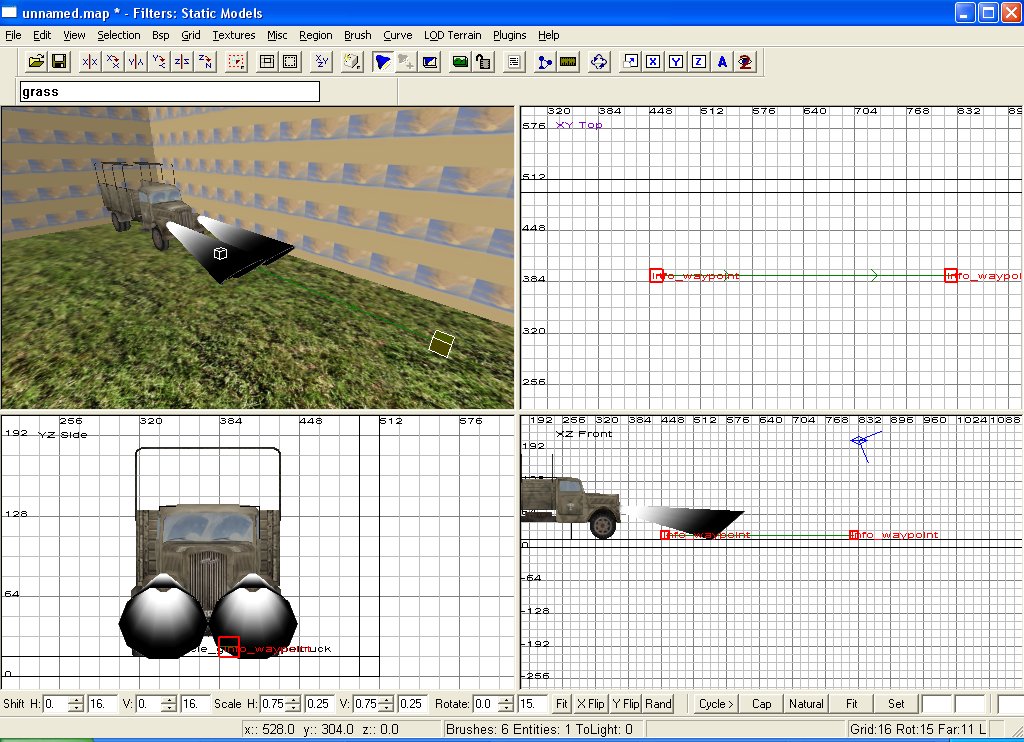
Not too hard eh? Now, make an info->Waypoint a little
ways in front of the truck.
And add the following keys:
targetname wap
target wap2
Now, make another waypoint further away from our first
waypoint, and add these values:
targetname wap2
That's it! You should see a green line connecting the
2 waypoints.
Later on you can make as many waypoints as you want
pointing to each other.
Save your map as: test_truckmove.map
Now, for the script. Open up notepad and paste the
following script into it.
level waittill
prespawn
exec global/ambient.scr test_truckmove
level waittill spawn
level.script = "maps test_truckmove.scr"
thread truck
// thread simply executes
a different section of the script named, //
good for orginization
end
truck:
$trk drive $wap // look
familiar? Trk is our truck, wap is our
// waypoint…
end
Save this script as: test_truckmove.scr
That's it! Compile and Have fun! NOTE: This is tested
in Single player mode.
Special thanks to: BlueBrooks on the AA.com forums
for pointing out the Drive command, and it's uses. Give
him the thanks, not I.